← All projects

Version 2 · free build guide

SkittleSorter

Every colour in its own bin.

A 3D printed machine that reads the colour of every candy and drops it into the right bin. I built it to show kids that technology is something you can make yourself. Version 2 is what real classrooms and open days taught me: faster, smoother, more reliable, with bins you can take out.

Faster than you by hand? Not yet. Cooler? Definitely.

Skittle Sorter v2 · in action · 0:26

Why I built this

Kids are tough critics.
That is the point.

The Skittle Sorter started as a guest lesson for a class of ten-year-olds. I wanted to show them that technology is not something that only happens inside a phone, but something you can design, print, wire and program yourself, and that it can actually do a job.

"We can sort them faster by hand."

True, and they said it straight away. Then the machine started reading colours, turning, and flicking trapdoors open, and the room went quiet. That moment is why this machine exists.

Version 1 was built in a few days, won a MakerWorld contest and ended up in technical classes and on school open days. Version 2 is everything that use taught me. I share it all for free, because our future as a sector depends on sparking interest in the next generation.

If this gets just one kid excited about engineering, it is a win.
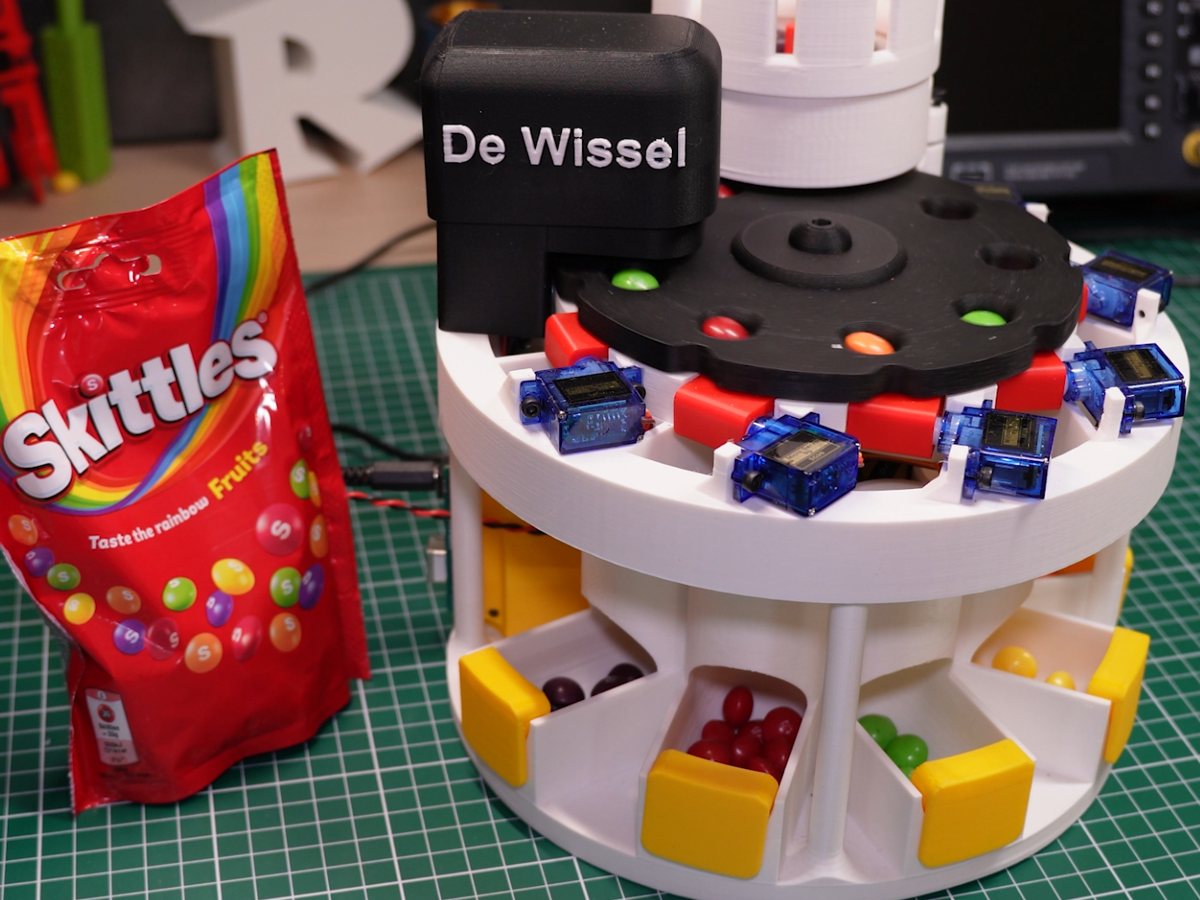
The Skittle Sorter at a school, next to a bag of Skittles, with sorted candy in the bins
Sorting for a classroom.

How it works

Read, remember, flip.

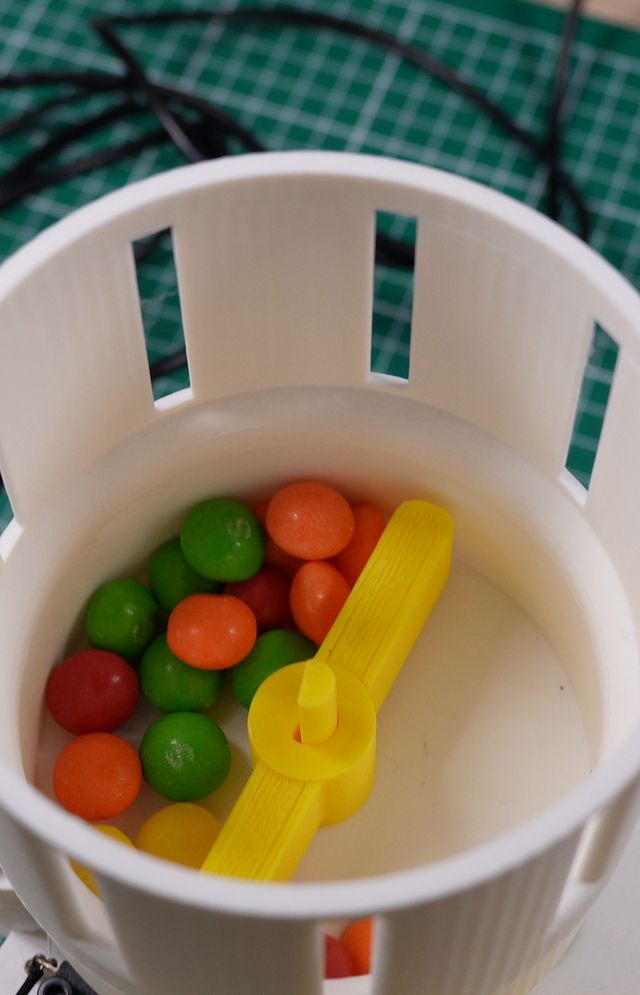
  1. Skittles in the hopper with the yellow sweeper01 A sweeper feeds the turntable
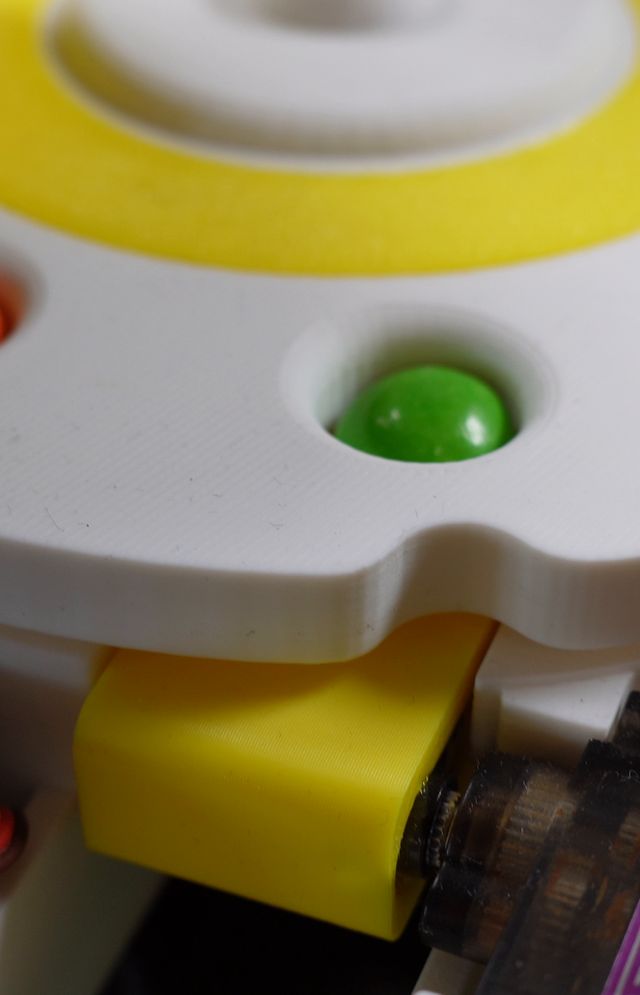
  2. A green Skittle in a hole of the turntable02 A sensor reads every candy
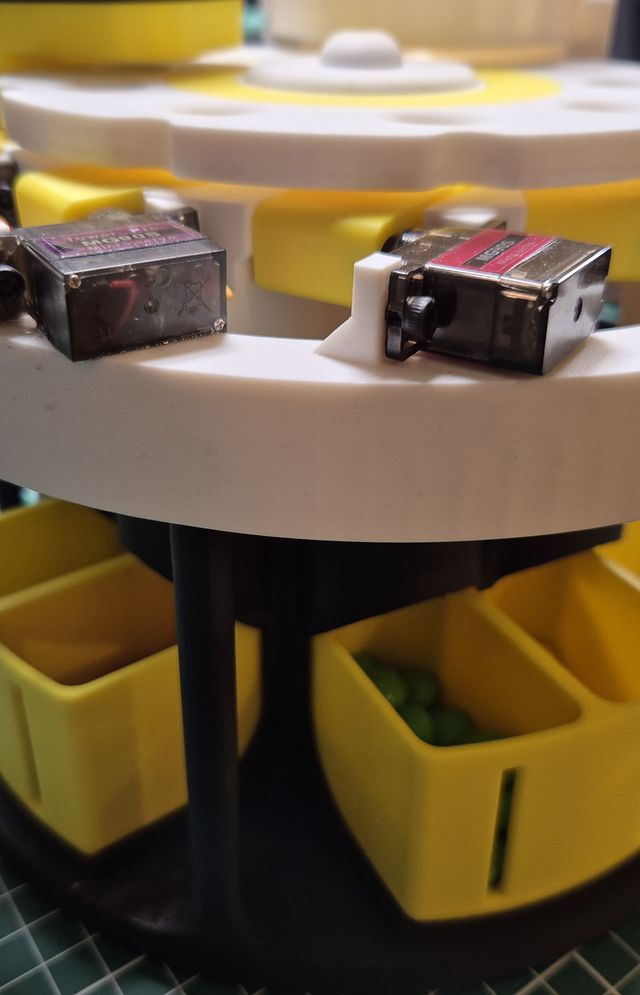
  3. Servos on the rim of the deck above the colour bins03 Six exits, six servos
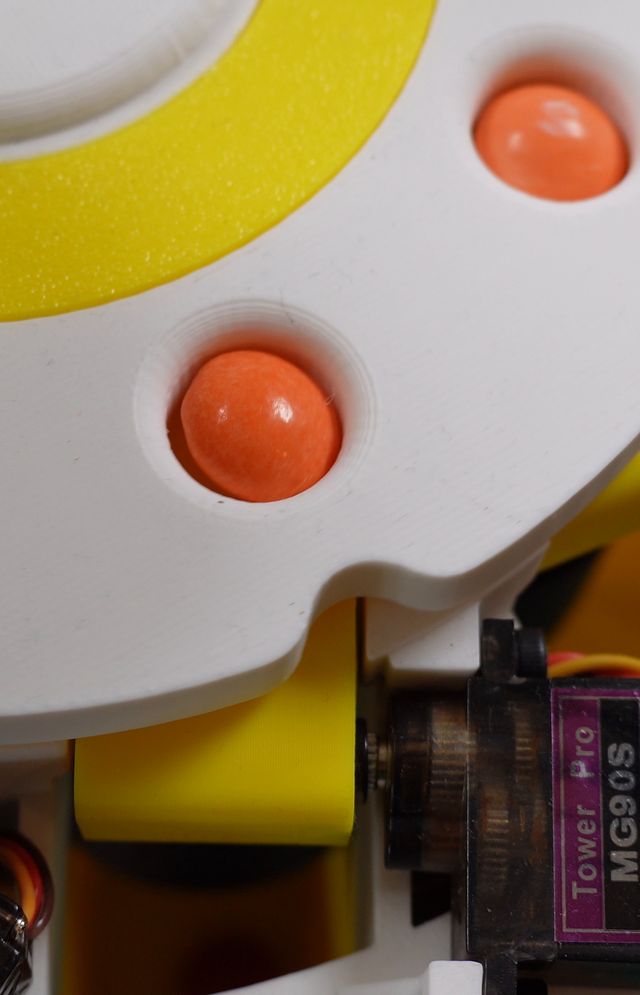
  4. An orange Skittle above a yellow trapdoor driven by a servo04 The right trapdoor flips open
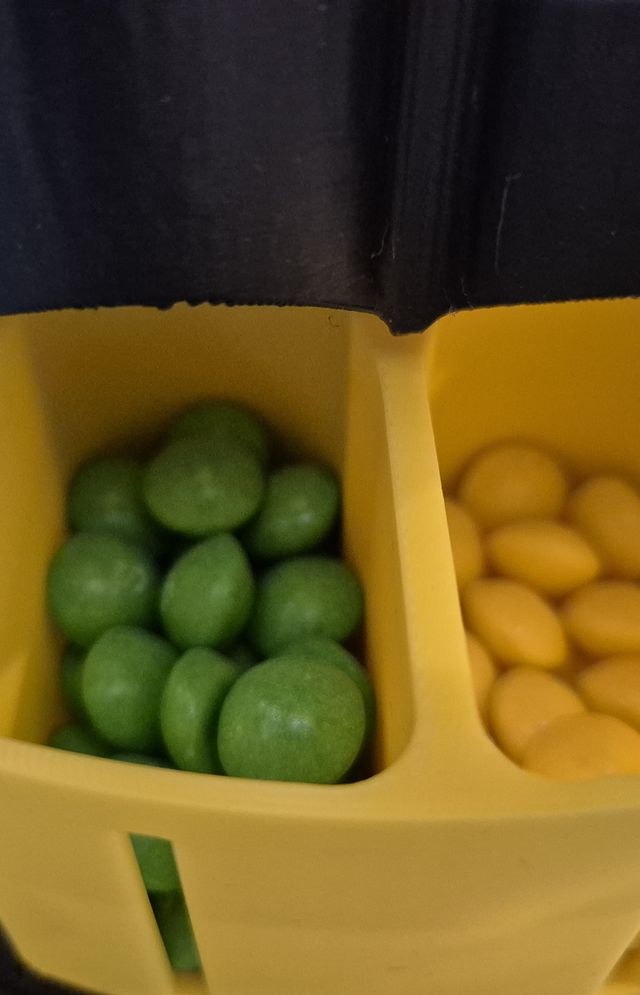
  5. Green and yellow Skittles sorted in a removable bin05 Sorted, in a bin you can take out

Build it yourself

Make your own Skittle Sorter.

The step-by-step build guide shows every step on the real 3D model: printing, mechanics, the electronics bay, wiring, software and calibration, with photos and the matching moment in the build video. The print files are free on MakerWorld.